
AI Tools Expert & Founder
Table of Contents
Merlin AI combines browser assistance with access to multiple AI models. Its Chrome extension is useful when your work starts on webpages, videos, or drafts.
The main question is whether that convenience fits your workload, usage limits, and review process. It is not automatically the best assistant for every task.
This review combines my earlier usage notes and screenshots with official product information reviewed on October 14, 2026.
The screenshots show earlier interfaces. This update does not include a new controlled benchmark of model accuracy, response speed, or productivity gains.
Quick verdict on the Merlin Chrome extension
Consider Merlin if you frequently summarize pages, explain selected text, or draft messages while browsing. Start with the free access available in your account.
Check page access, output quality, and credit consumption on your own tasks before paying. Review drafts and sources rather than treating responses as finished work.
Visit Merlin's official website
What is Merlin AI
Merlin is an AI application with a Chrome extension and a web interface. It provides access to models from different providers through its own service.
Merlin is not itself one underlying language model. ChatGPT, Claude, and Gemini also refer to applications, so distinguish products from their model families.
Availability in Merlin does not imply the same features, limits, or account benefits as subscribing directly to another provider.
Official Merlin Chrome Web Store listing
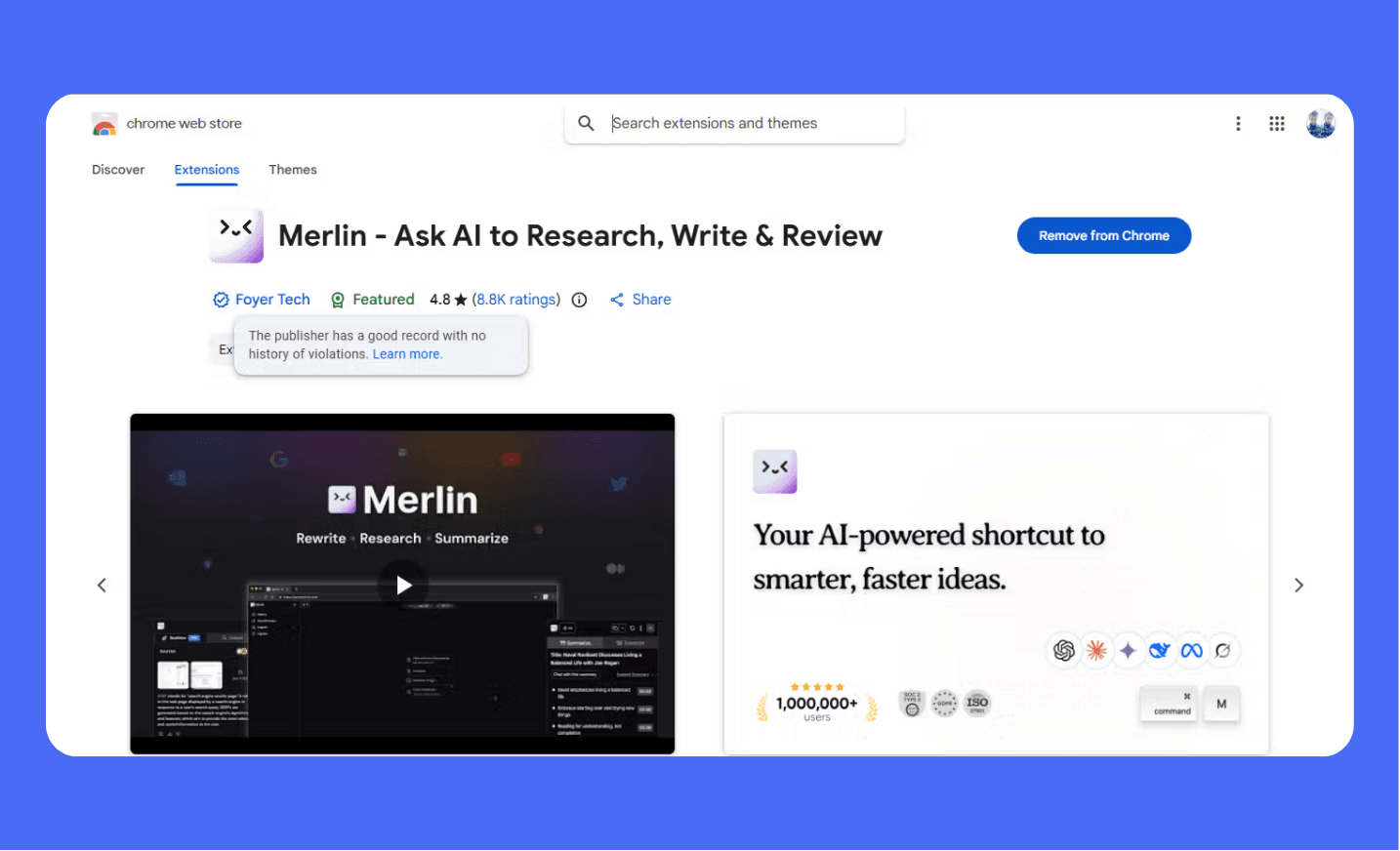
Historical screenshot. Ratings, user counts, naming, and product details can change.
On October 14, 2026, the live listing showed 4.4 stars from about 8.8K ratings and 900,000 users.
These figures change and do not establish security or output accuracy.
Extension mode and the Merlin web app
The extension is the browser layer for page-aware help. The web app gives you a separate workspace for longer conversations and file-based tasks.
Choose the mode that fits the task. A sidebar is convenient for reading a page, while a full window provides more space for drafting.
The official listing also advertises projects, file tools, and artifact creation. Check the features available in your account before relying on them.
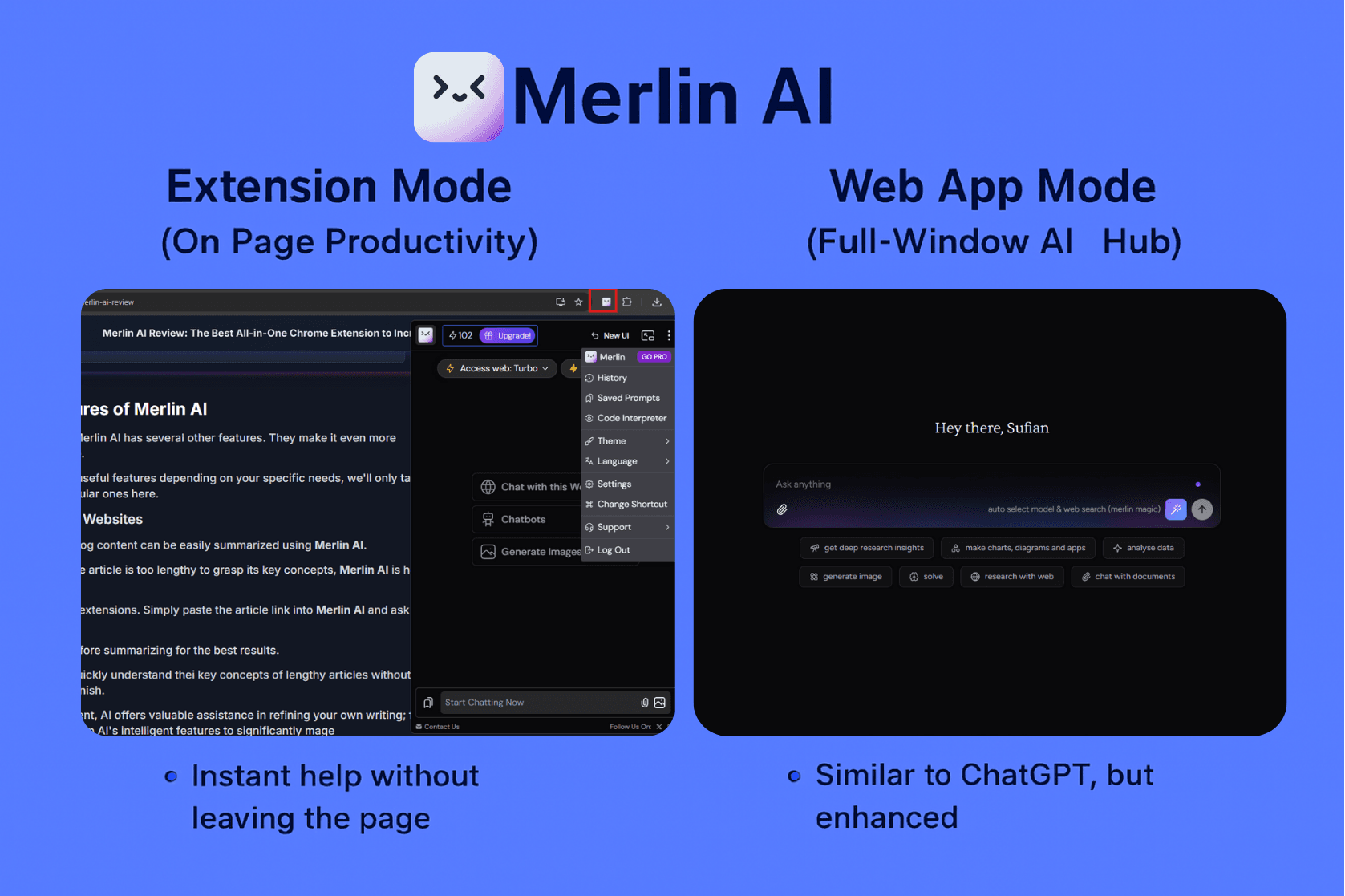
Two interface options for different tasks. This diagram does not compare measured performance.
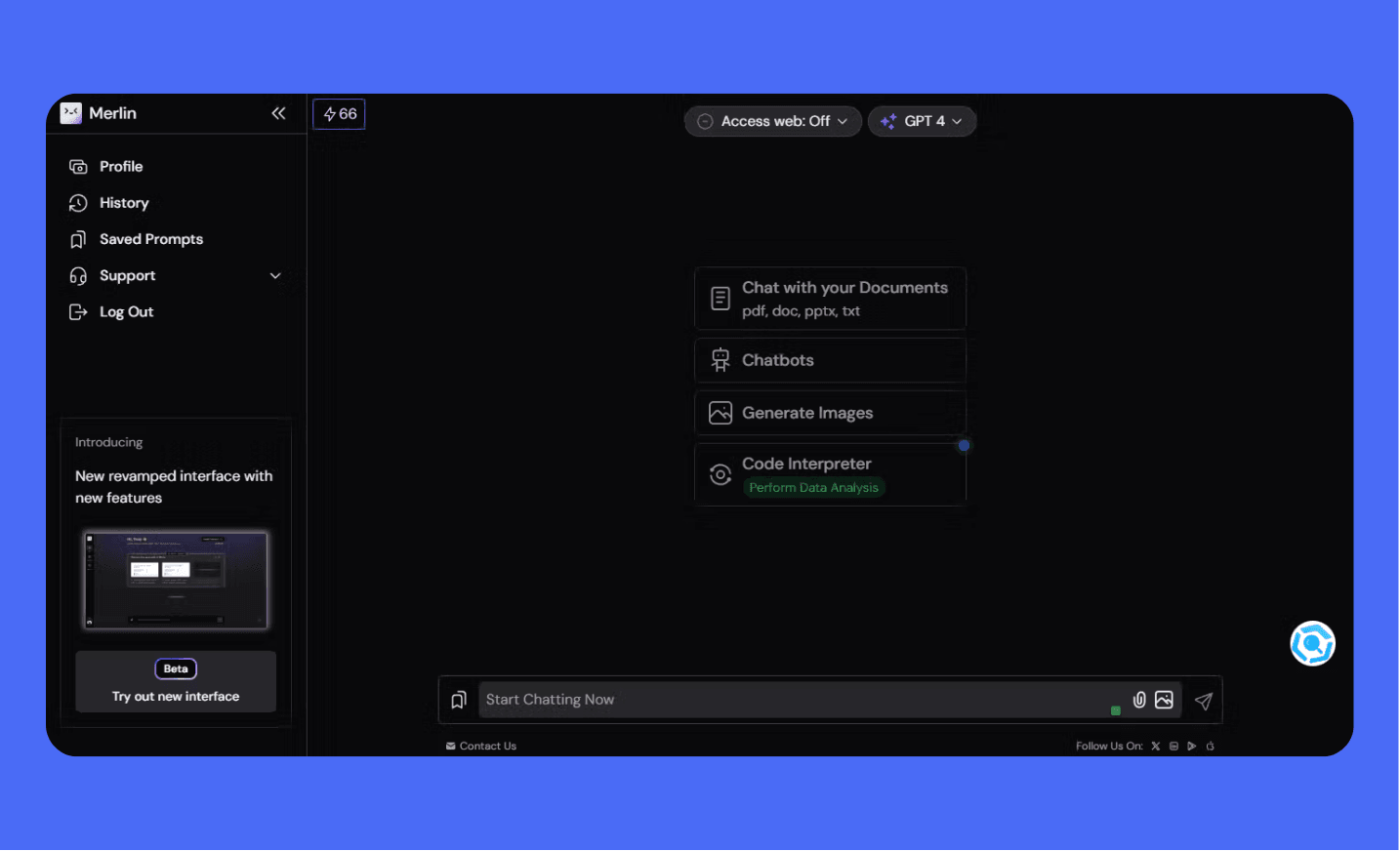
Historical interface example. Available tools depend on the current product and account.
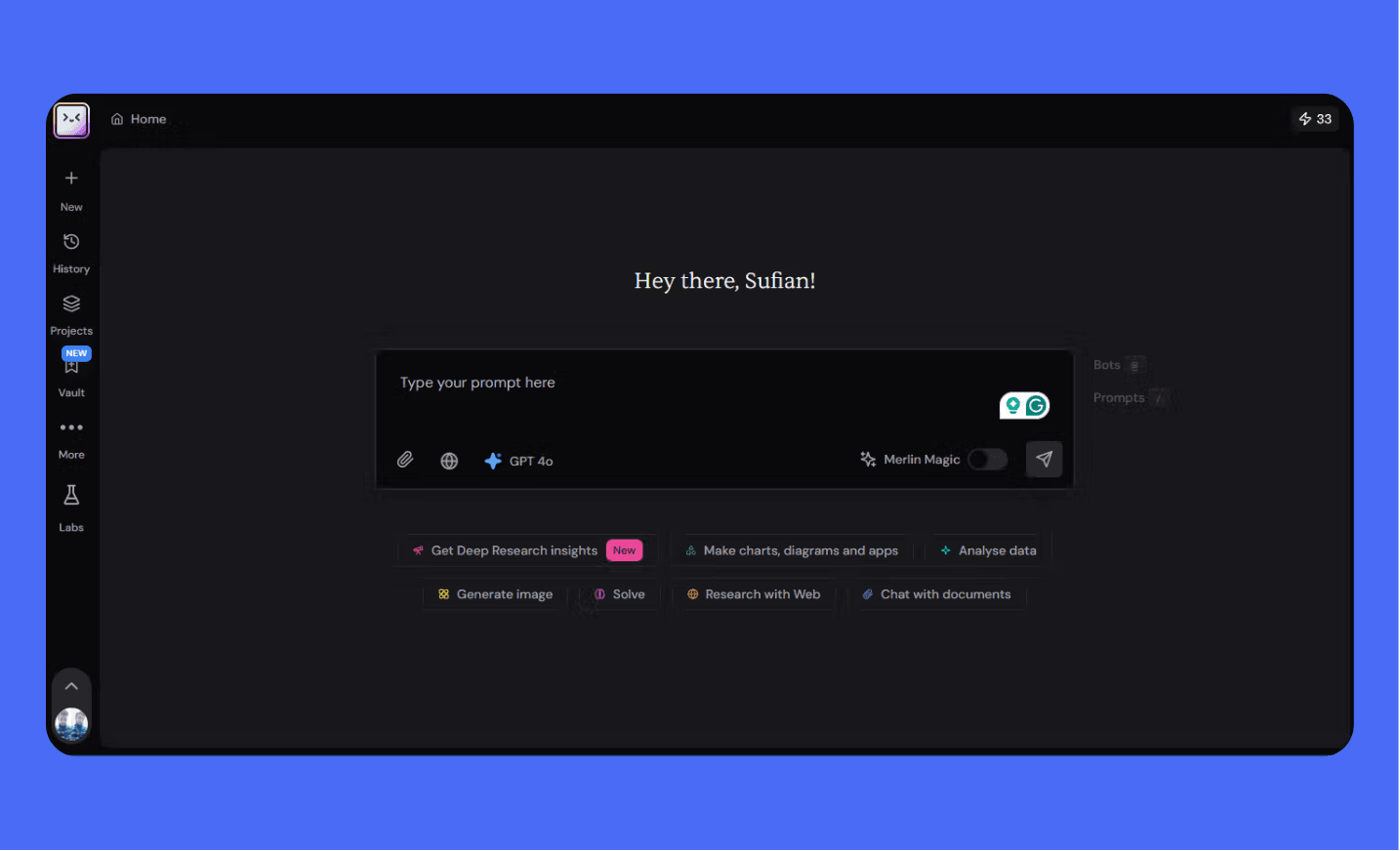
Use the current interface to confirm which functions your account supports.
Merlin Chrome extension features and practical uses
Webpage summaries and page chat
Open a permitted page, activate Merlin, and select the webpage-chat option. Ask for a summary, explanation, or a focused extraction.
Confirm that the assistant received the relevant content. A confident answer does not prove that it read the whole page.
For research, ask it to separate the page's statements from its interpretation. Check important facts against the original source.
1
2
3
4
5
Summarize the accessible article content in five points.
For each point, identify its supporting section.
Separate the author's claims from your interpretation.
State whether any relevant content is missing or inaccessible.
Do not infer that you read parts you cannot access.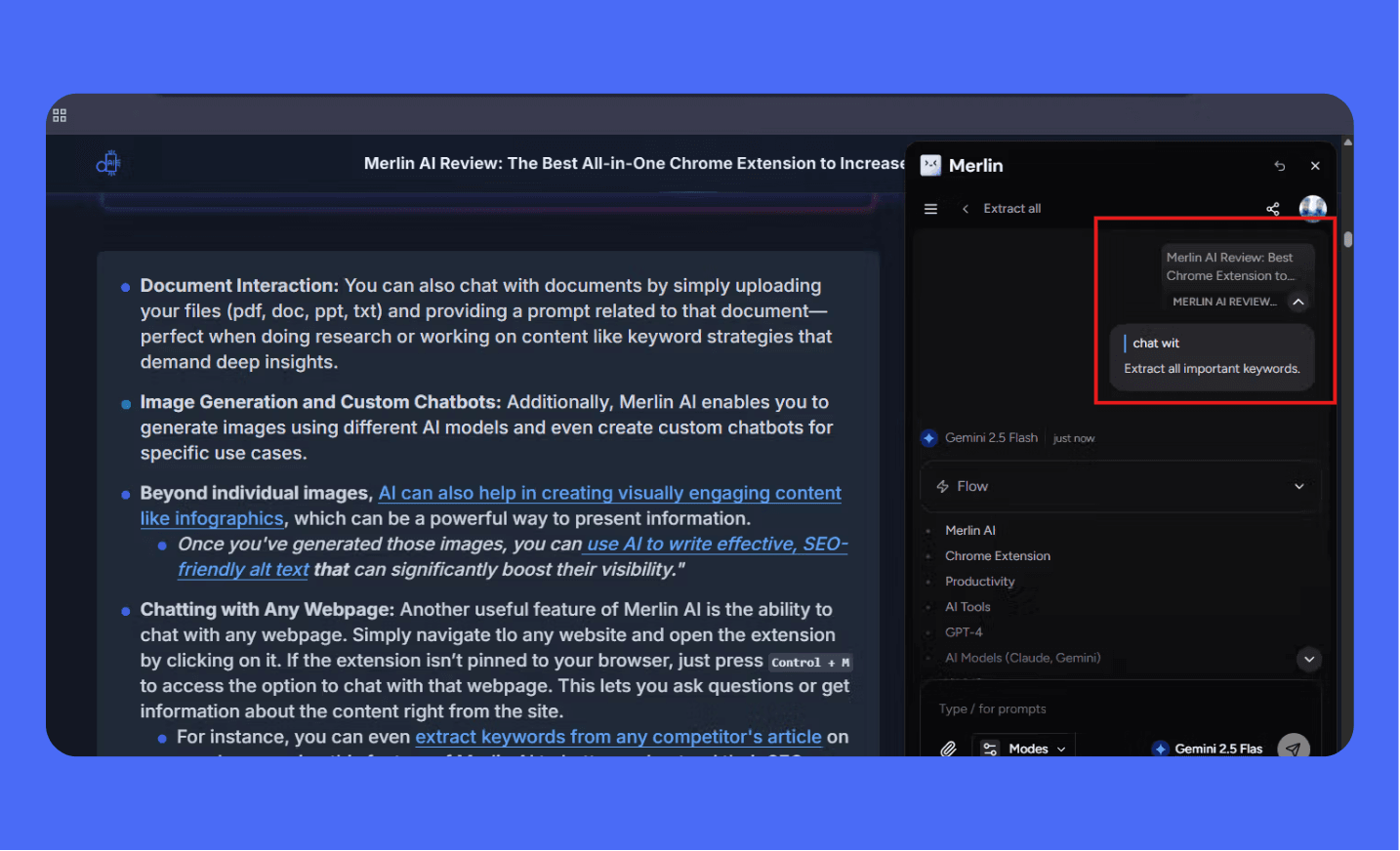
Extracted phrases are content ideas. They are not verified search volumes or proof of the page's rankings.
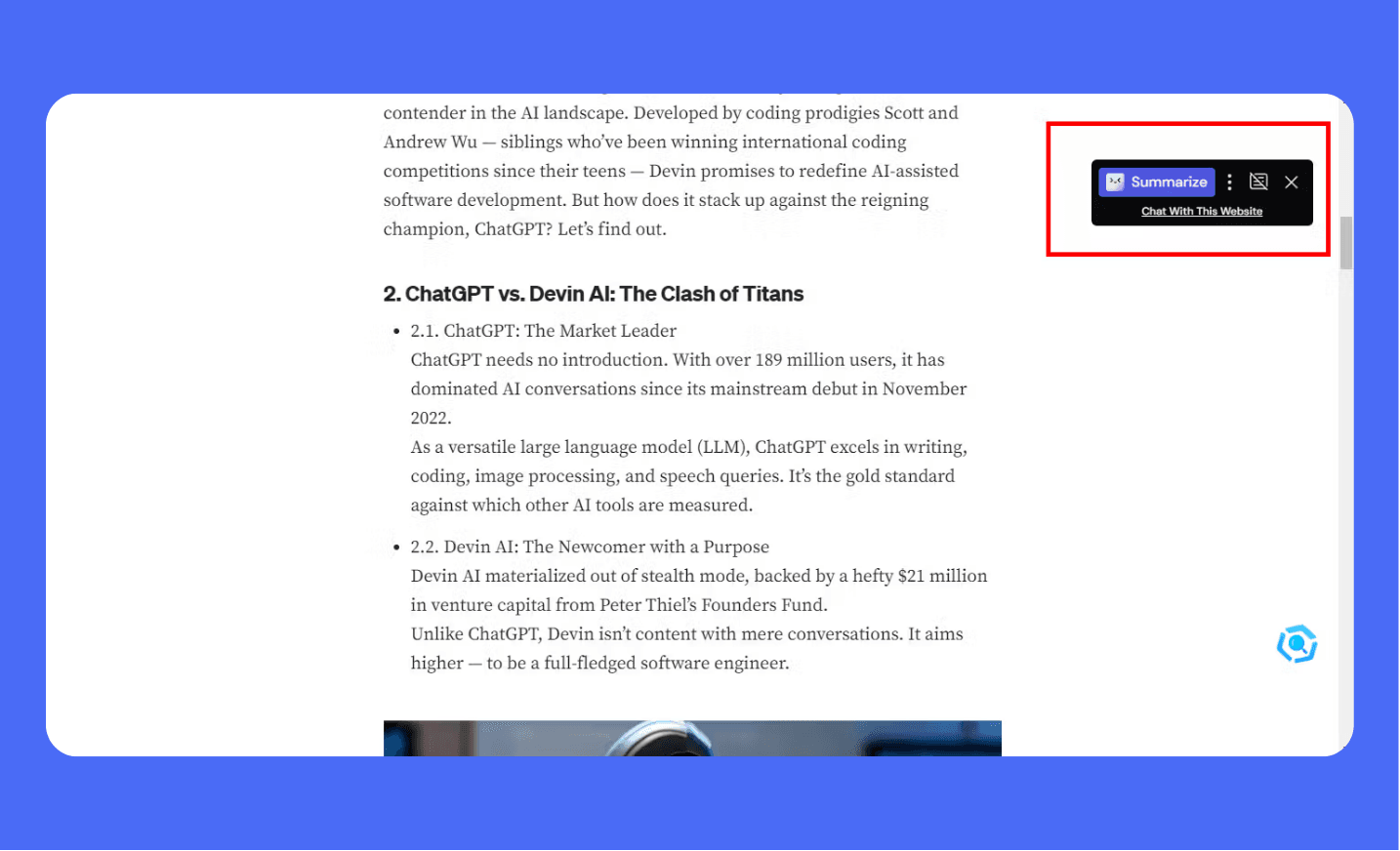
Historical integration example. Page access and available controls may differ.
Validate extracted keyword ideas with this research workflow
Search-result assistance
Merlin can show an AI response alongside supported search experiences. Use it as a starting explanation and inspect the linked sources.
A summary can omit a caveat or combine unrelated information. Opening the original source remains important for factual research.
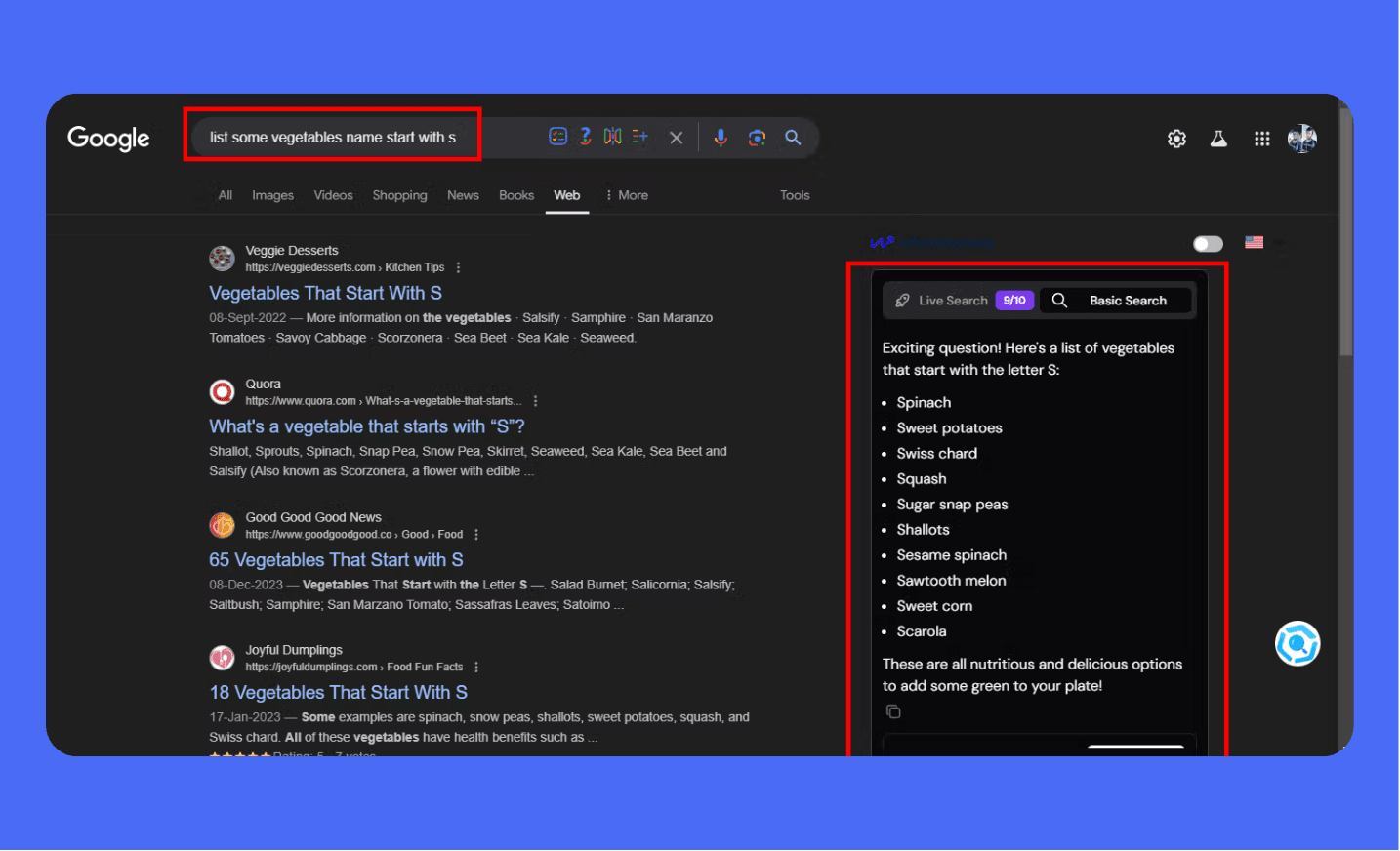
A simple response example, rather than an accuracy or speed benchmark.
Writing help for LinkedIn and X
Use an idea or draft to request a clearer post or reply. Keep your intended message and check whether the tone fits the conversation.
Do not publish invented personal achievements or generic comments merely because they sound polished. AI drafting does not guarantee reach or engagement.
1
2
3
4
5
Revise this post for [audience]. Preserve its meaning and factual claims.
Draft: [text]
Use clear language and natural sentence variety.
Do not invent experience, results, quotations, or engagement promises.
Give two options and explain important changes.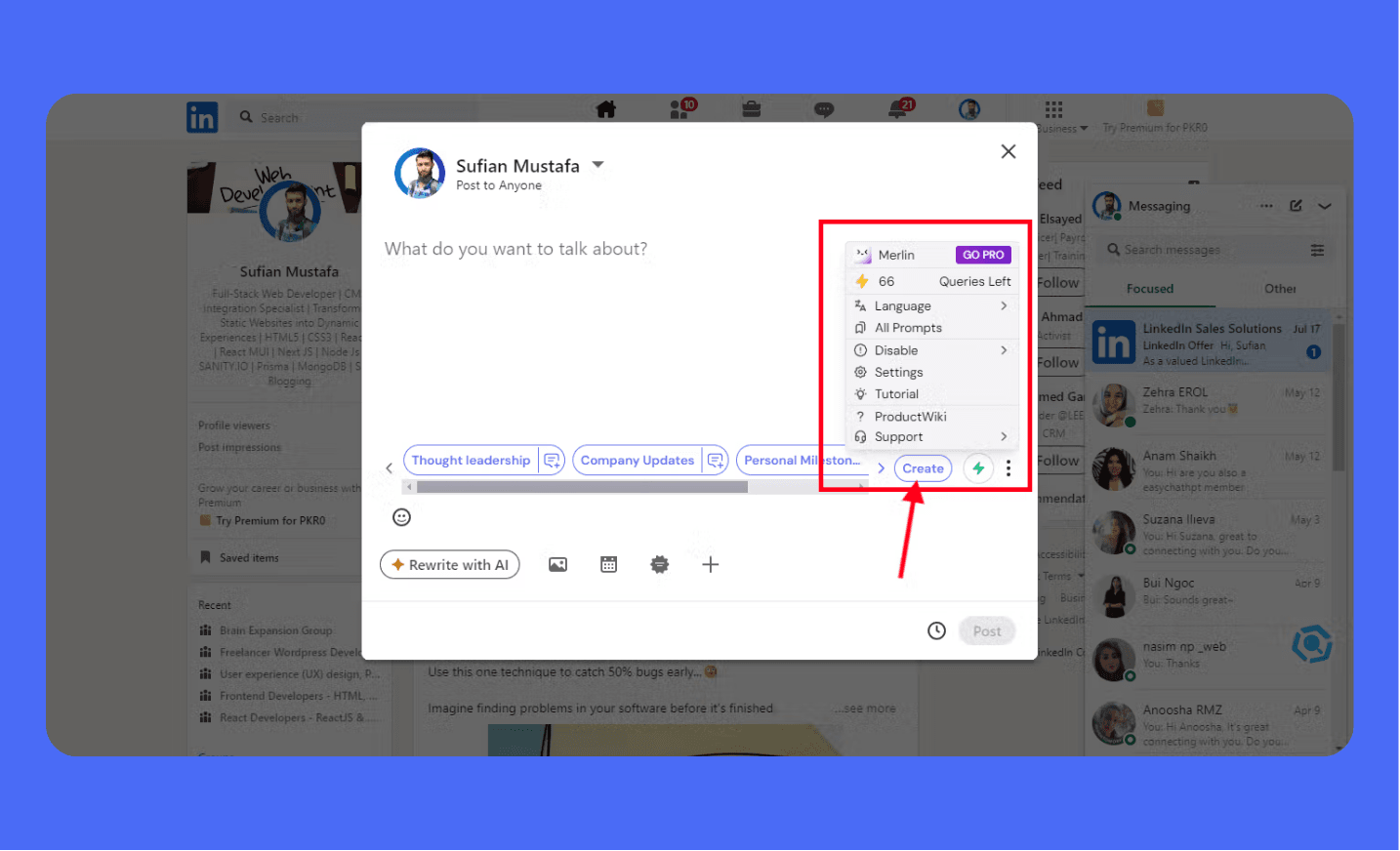
Review generated posts and comments before publishing.
Email drafting in Gmail
Supply the purpose, recipient context, and required facts. Check names, dates, commitments, attachments, and tone before sending.
A reply draft may sound professional while making a promise you did not intend. Keep the final decision with the sender.
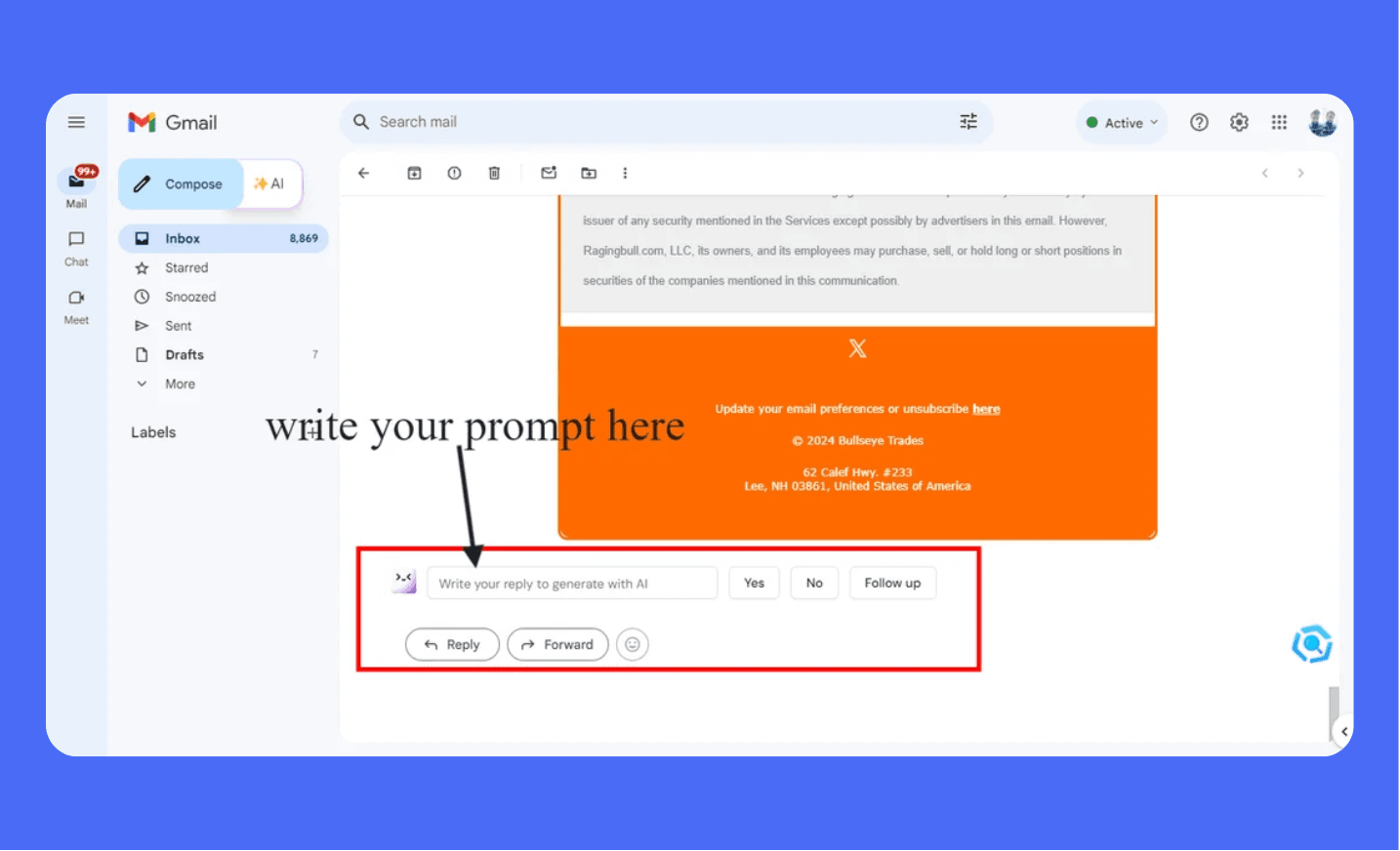
Provide the message goal and relevant constraints.
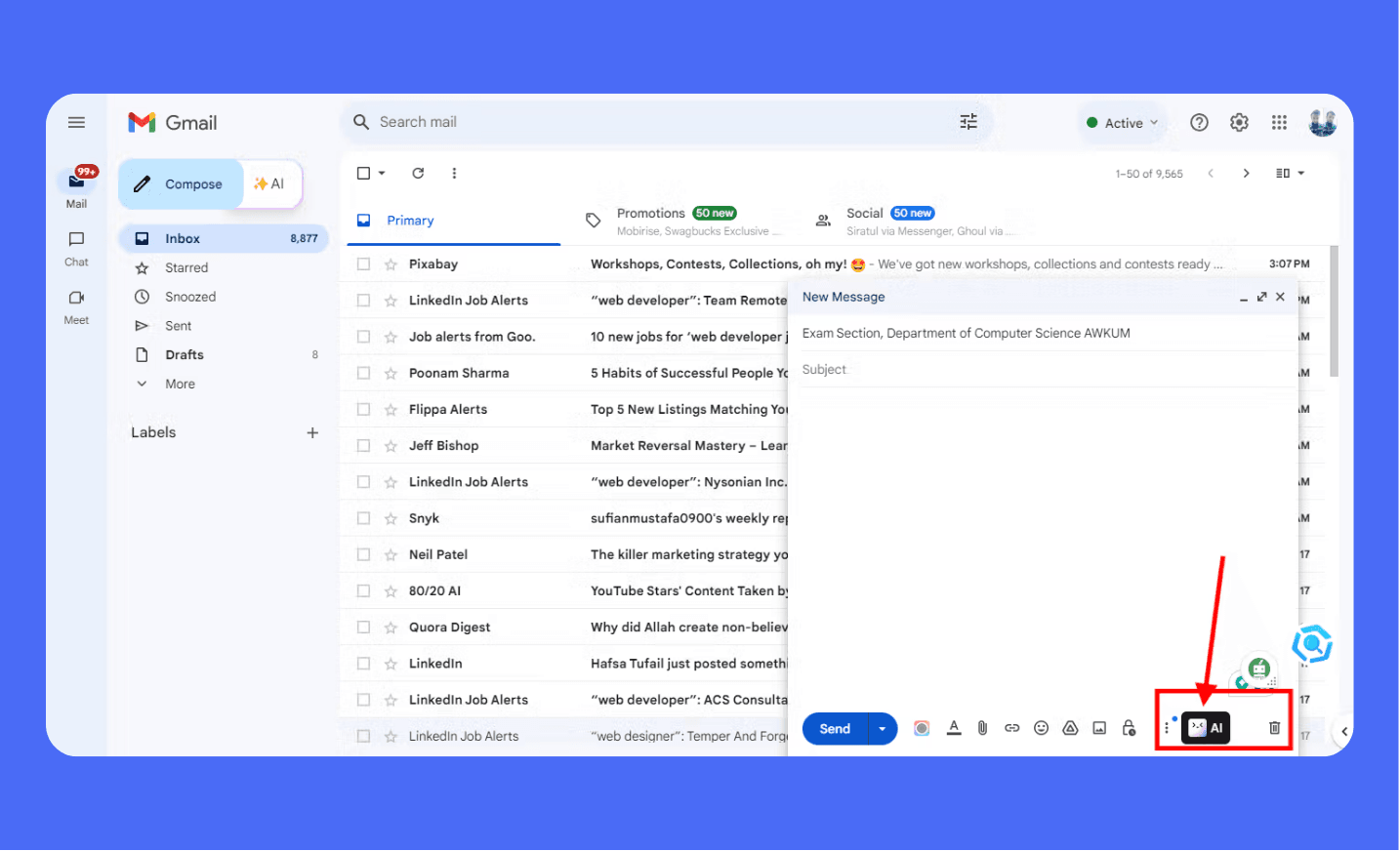
Suggestions are drafts, rather than approved messages.
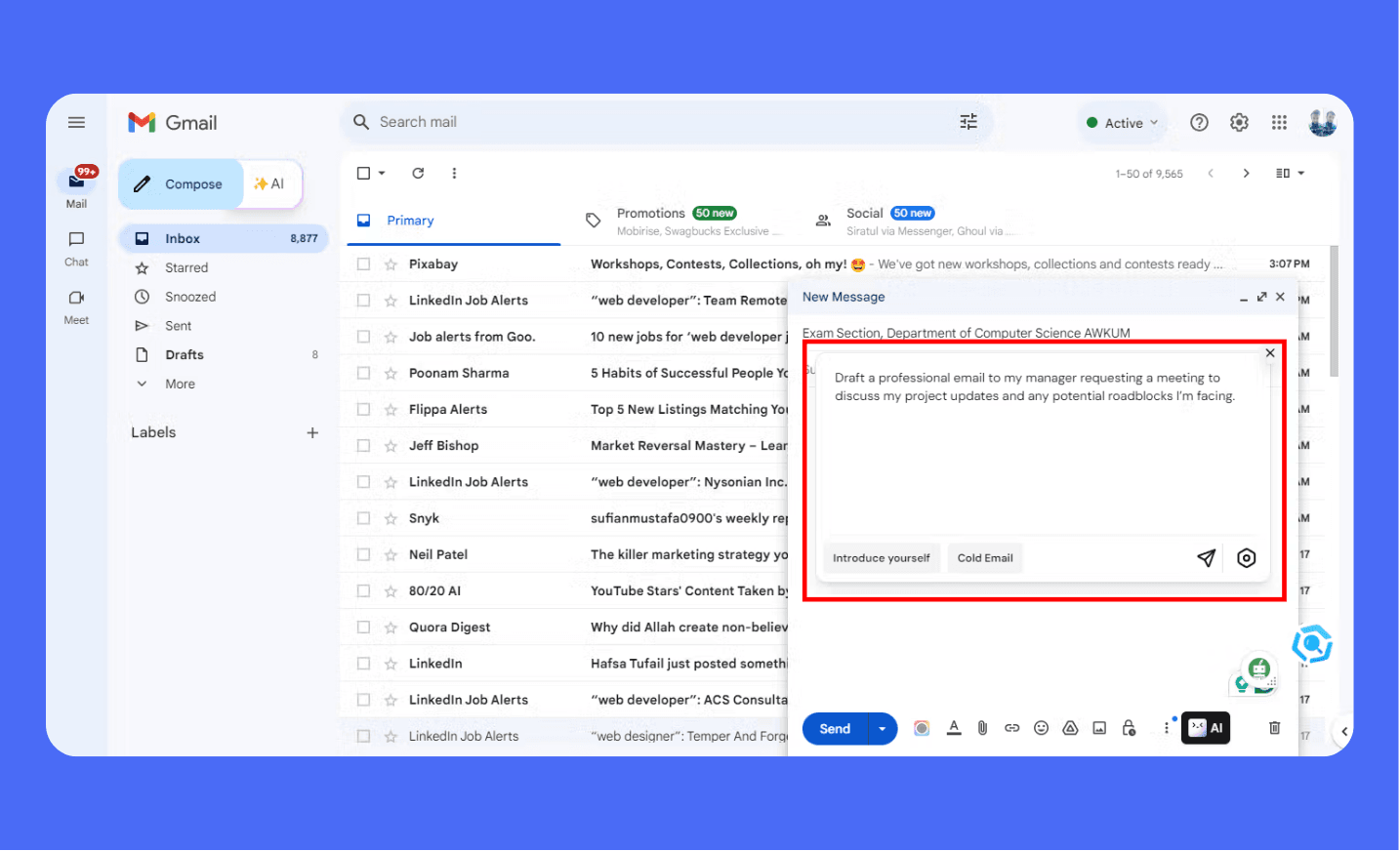
Check facts and commitments before sending.
YouTube summaries and transcripts
Merlin advertises YouTube summarization. Open the video, use its summary controls, and compare the result with the relevant passages.
If a transcript is available, use it to check quotations and timestamps. Do not assume the system understood every visual detail.
Availability can differ by video and account. A failed summary is not proof that the tool watched or transcribed the video.
1
2
3
4
Summarize the available transcript, separating main points from examples.
Include timestamps only when provided by the source.
Flag missing transcript sections.
Do not invent quotations or infer visual demonstrations from transcript text alone.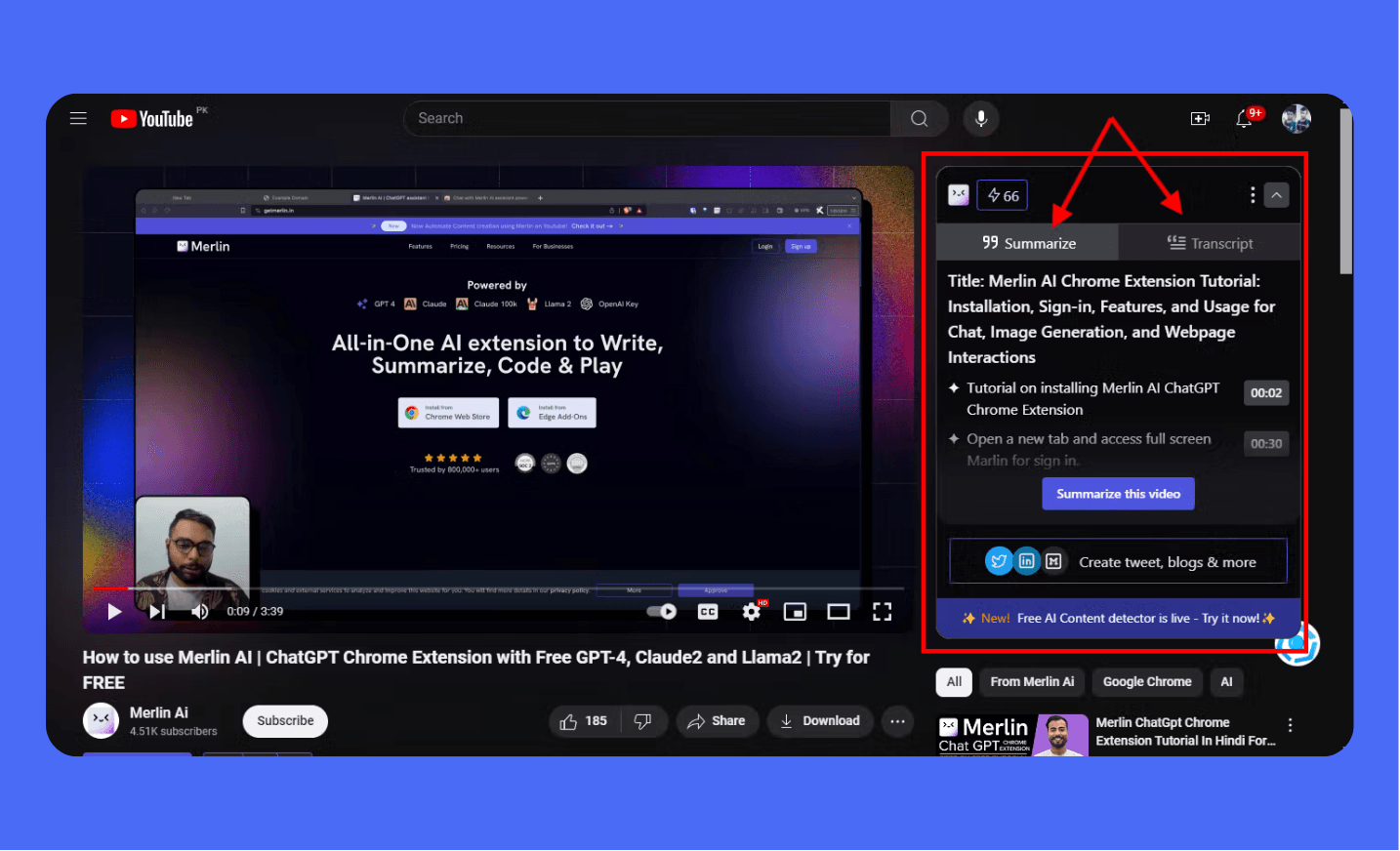
Check the source transcript or video when accuracy matters.
Official YouTube summarizer instructions
Documents, images, diagrams, and coding
Document chat
Use an accessible file to request notes or answers. Confirm supported formats and upload limits in the current interface.
Ask for supporting pages or sections, then verify those references. Scanned pages, tables, and charts may need extra review.
1
2
3
4
Answer this question using only the supplied document: [question].
Identify the supporting page or section.
If the answer is absent, say so.
Flag unclear scanned text and do not invent missing values.
Image generation
The earlier interface included image generation. Current model names and allowances can change, so check the selector and plan before starting.
Review generated visuals for unintended text, inaccurate objects, and suitability for the page. Do not present an AI illustration as documentary evidence.
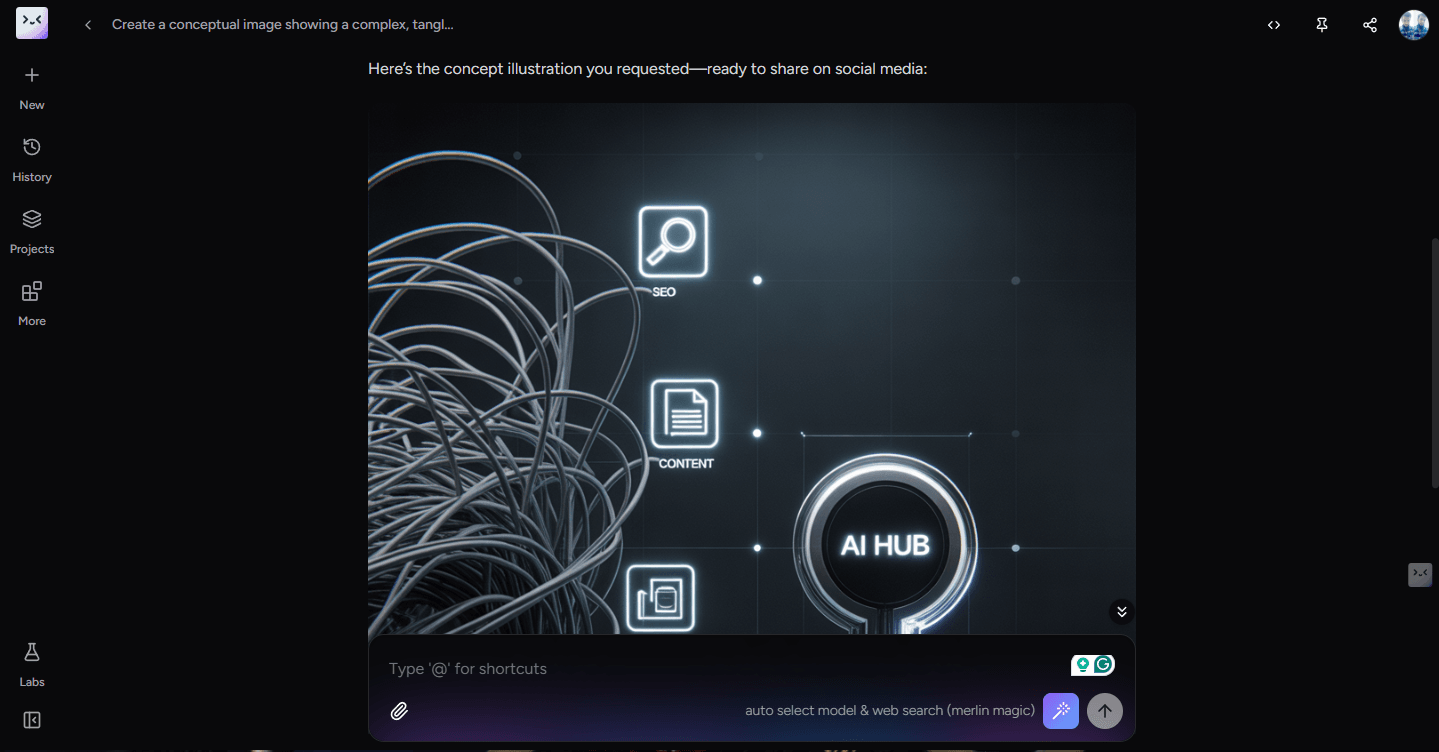
Historical model selection. This screenshot does not confirm today's model or usage allowance.
Write appropriate alt text for informative images
Flowcharts and other artifacts
Use a diagram to explain a verified process or organize ideas. Check labels, connections, and missing steps before exporting.
Do not assume that an attractive chart contains correct data. Provide source values rather than asking the assistant to invent them.
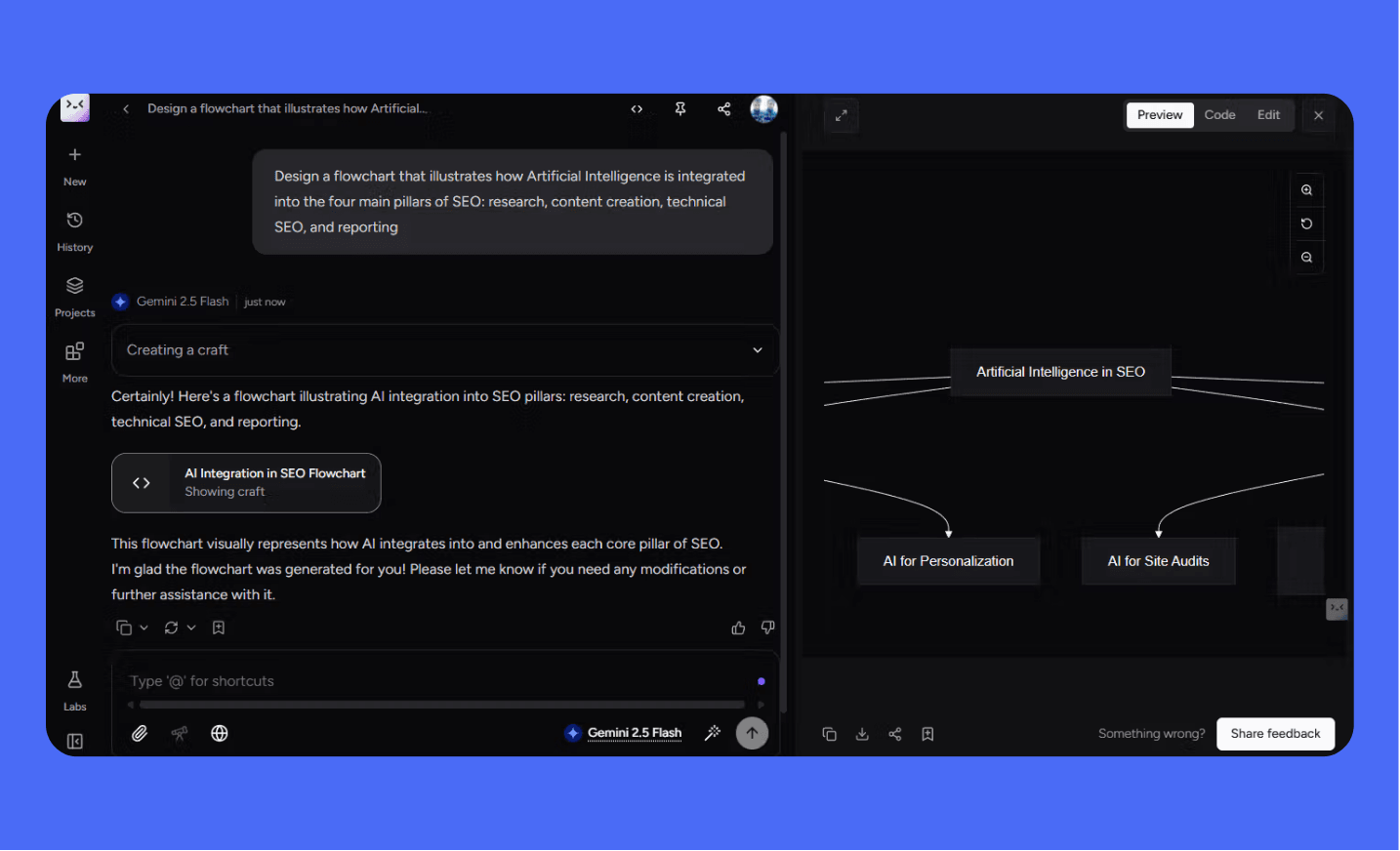
Check the diagram's logic and factual claims before publishing.
Coding assistance
Use a focused snippet, error message, and expected behavior. Review suggested changes and run appropriate checks in your development environment.
Trying another model can provide a different suggestion. Agreement between models does not establish that code is correct.
The earlier article claimed both superior handling of large projects and limited suitability for them. Neither claim had a documented comparison.
For a large codebase, check the actual context limits, file access, and testing workflow. This review does not establish a universal coding winner.
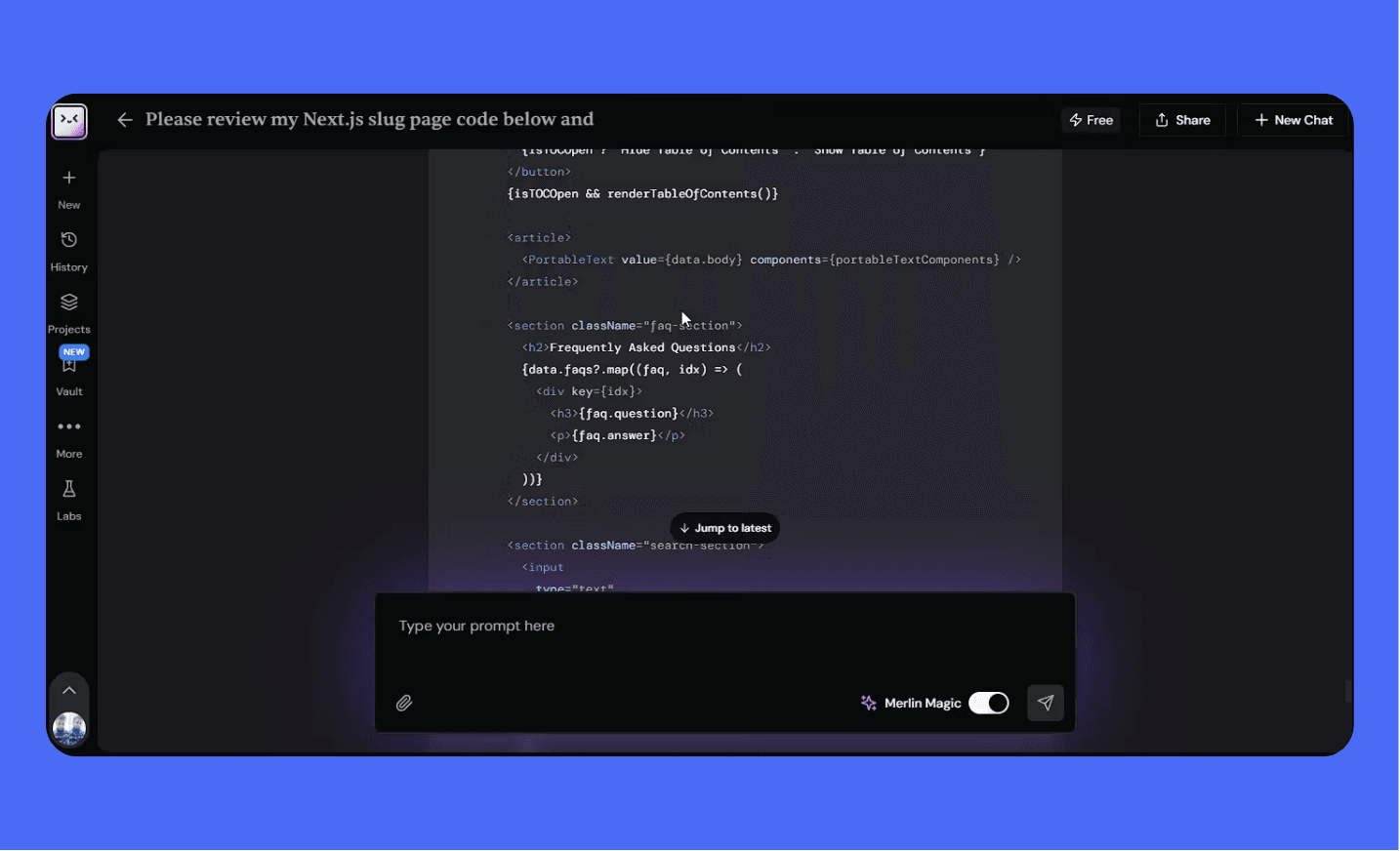
A coding demonstration does not verify that generated code passes tests.
Review changes against the project and verify the result independently.
Custom assistants and the tool library
An instruction-based assistant can help repeat a writing task. Check its source access and controls before assigning a broader workflow.
Merlin also provides a tool directory. A tool's name or output score does not prove originality, factual accuracy, or SEO performance.
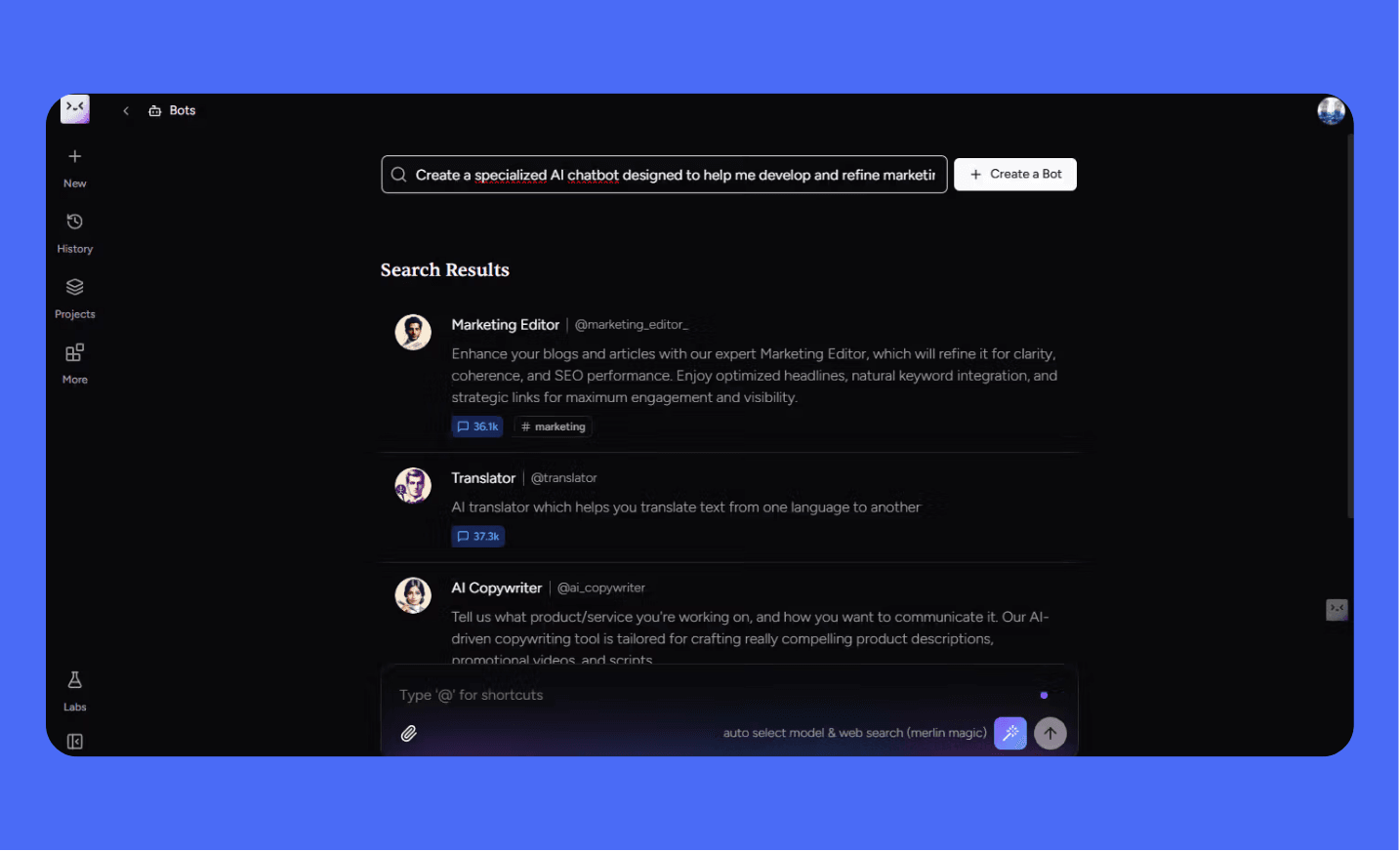
Define a focused task and review its output.
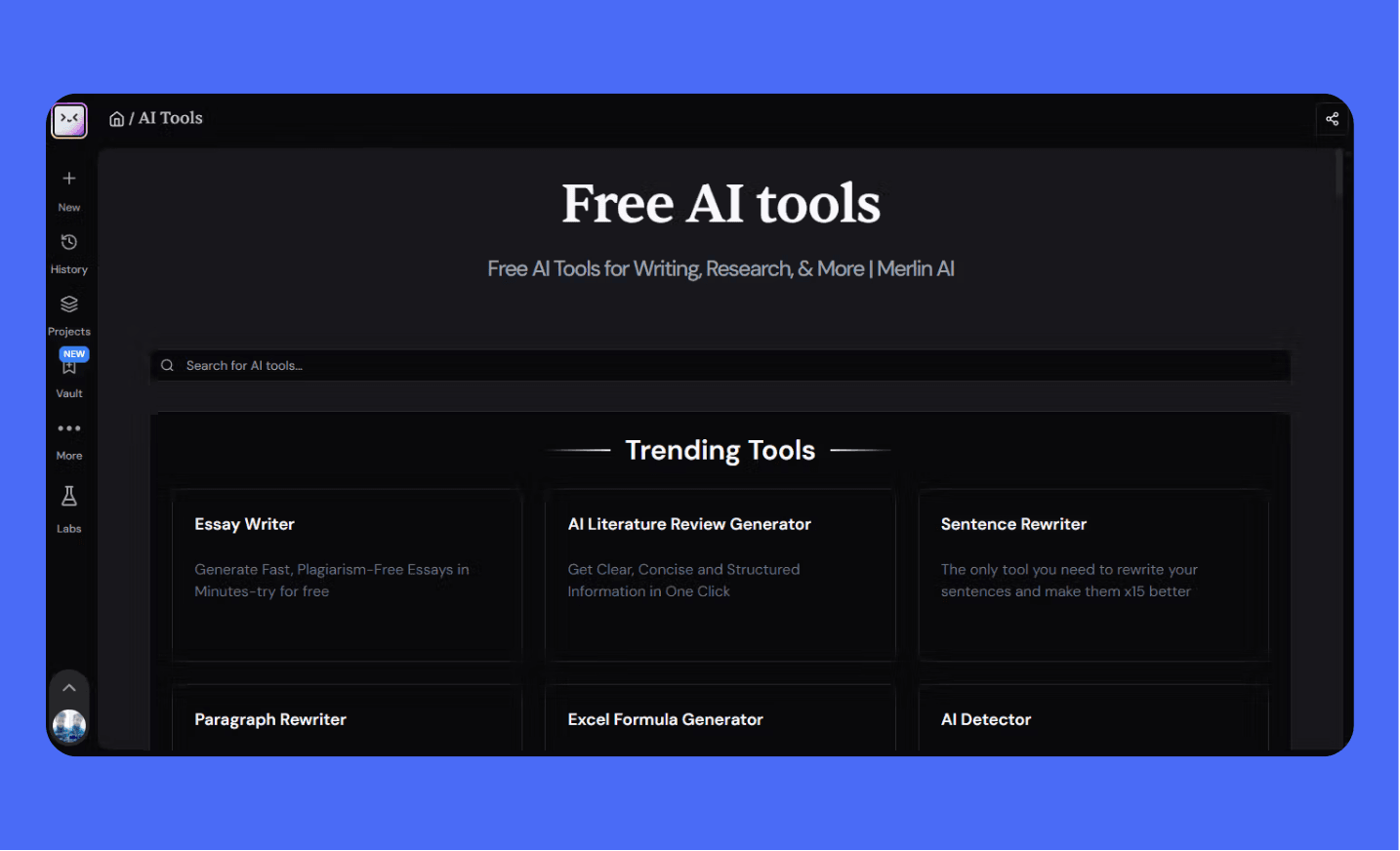
Historical directory example. Check the current tools rather than relying on a fixed tool count.
How I would use Merlin for content and SEO
My focus at Do It With AI Tools is AI-assisted content creation and SEO. A browser assistant fits the research and editing parts of that workflow.
Start with an accessible source. Extract relevant notes, check them, then draft one page element using the article's actual content.
For example, ask for three title options and compare them with the page's purpose. Remove unsupported benefits and repetitive keywords.
1
2
3
4
5
Draft three title-tag options for this page.
Page purpose and audience: [brief]
Actual page content: [text]
Describe what the page provides. Do not invent results, statistics, or claims of superiority.
Explain differences between the options so I can review them.
Review AI-generated meta titles
Write clearer meta descriptions
For editing, compare the original and revision. Preserve technical terms and qualifications that the reader needs.
Improve readability without losing meaning
For planning, choose a specific reader task before producing an outline. Treat proposed questions as ideas until research supports their relevance.
Use the Article Outline Generator
Compare AI keyword ideas with research data
Merlin AI versus ChatGPT and direct model access
Compare the complete services, rather than treating an application name as a model. Merlin adds its own interface, access rules, and integrations.
Its practical appeal is browser context and multiple providers in one service. Direct provider applications may have different features and limits.
Do not assume that Merlin replaces every separate subscription or includes all features of another paid plan.
For a fair comparison, record the available model, prompt, input, plan, and date. Judge the usable result after editing and checking.
This review does not support blanket claims that either product always reasons better, responds faster, or handles longer inputs.

Choose according to the task and tested requirements, rather than a universal winner.
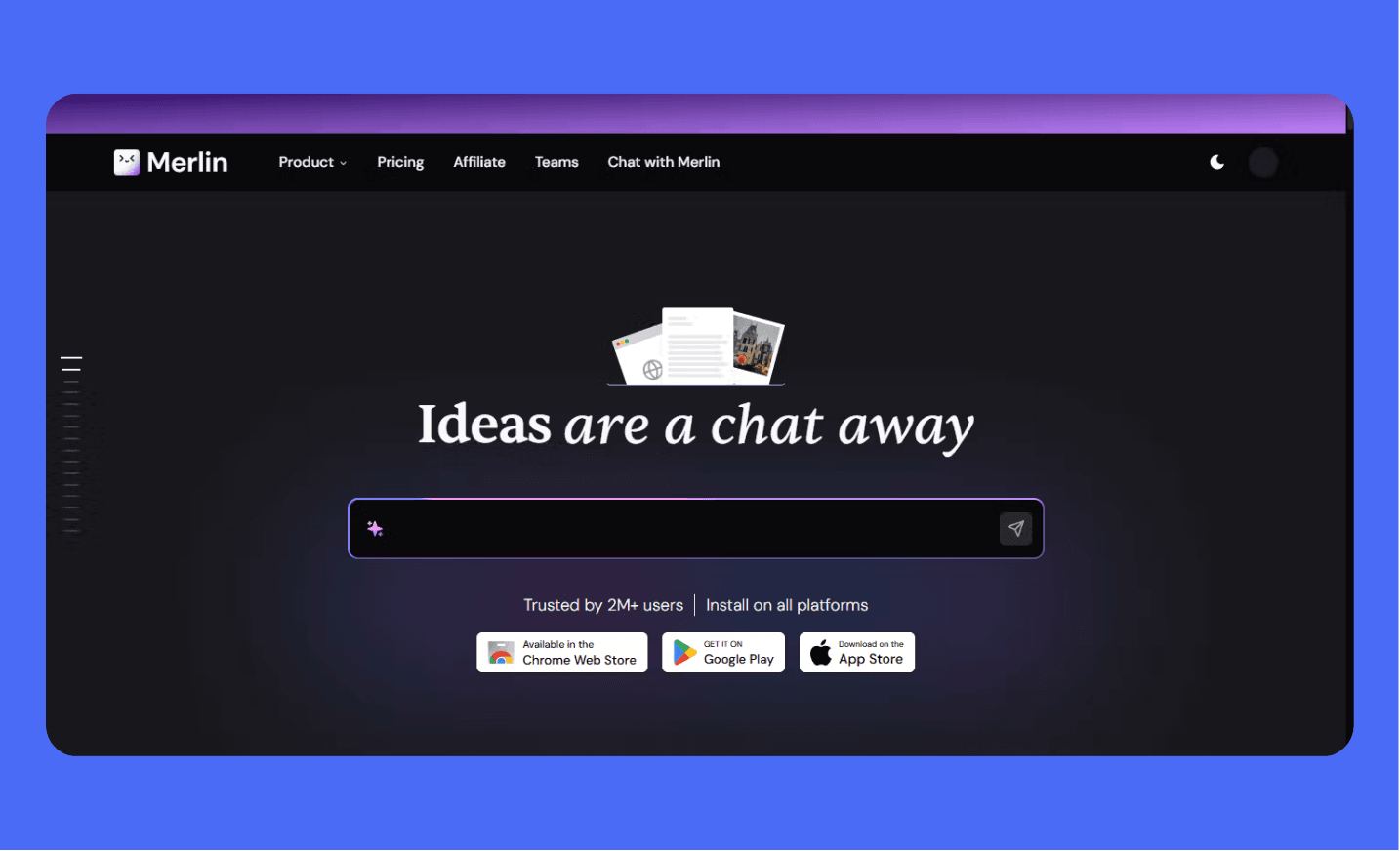
Historical product presentation. Features may differ from direct provider applications.

Conceptual comparison image, rather than evidence of performance differences.
Merlin AI pricing, free access, and usage limits
Merlin offers free access and paid options. Confirm the live plan, currency, billing period, and renewal price before subscribing.
Older screenshots and guides mention 102 daily queries. Model costs and allowances vary, so this does not mean 102 uses of every feature.
The pricing guidance describes shared fair-use limits. Heavy use of one feature can reduce remaining availability for others.
An advertised maximum per model is not necessarily an allowance you can use alongside every other maximum.
Check Merlin's current pricing and fair-use terms
The live pricing page did not expose its complete plan table in this review's text retrieval. I have removed unverified dollar amounts.
Check the final checkout details rather than treating this article as a current price quotation.
Before upgrading, try representative tasks and note how much allowance they use. Check whether outputs remain useful after your review.
Do not interpret 'unlimited' as unrestricted usage. Read the fair-use conditions and any discount-related limits.
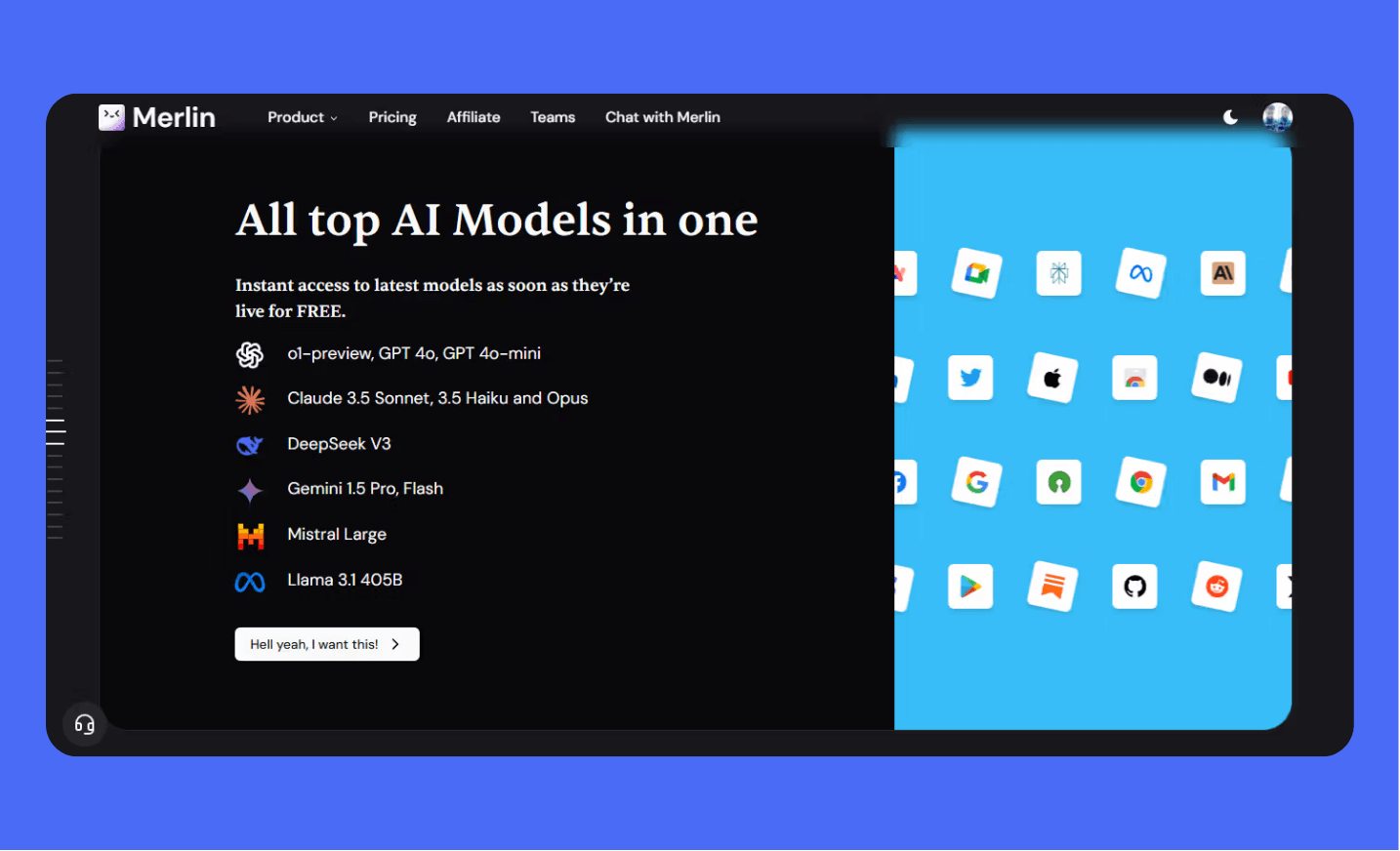
Historical model list. Verify current access and plan limits.
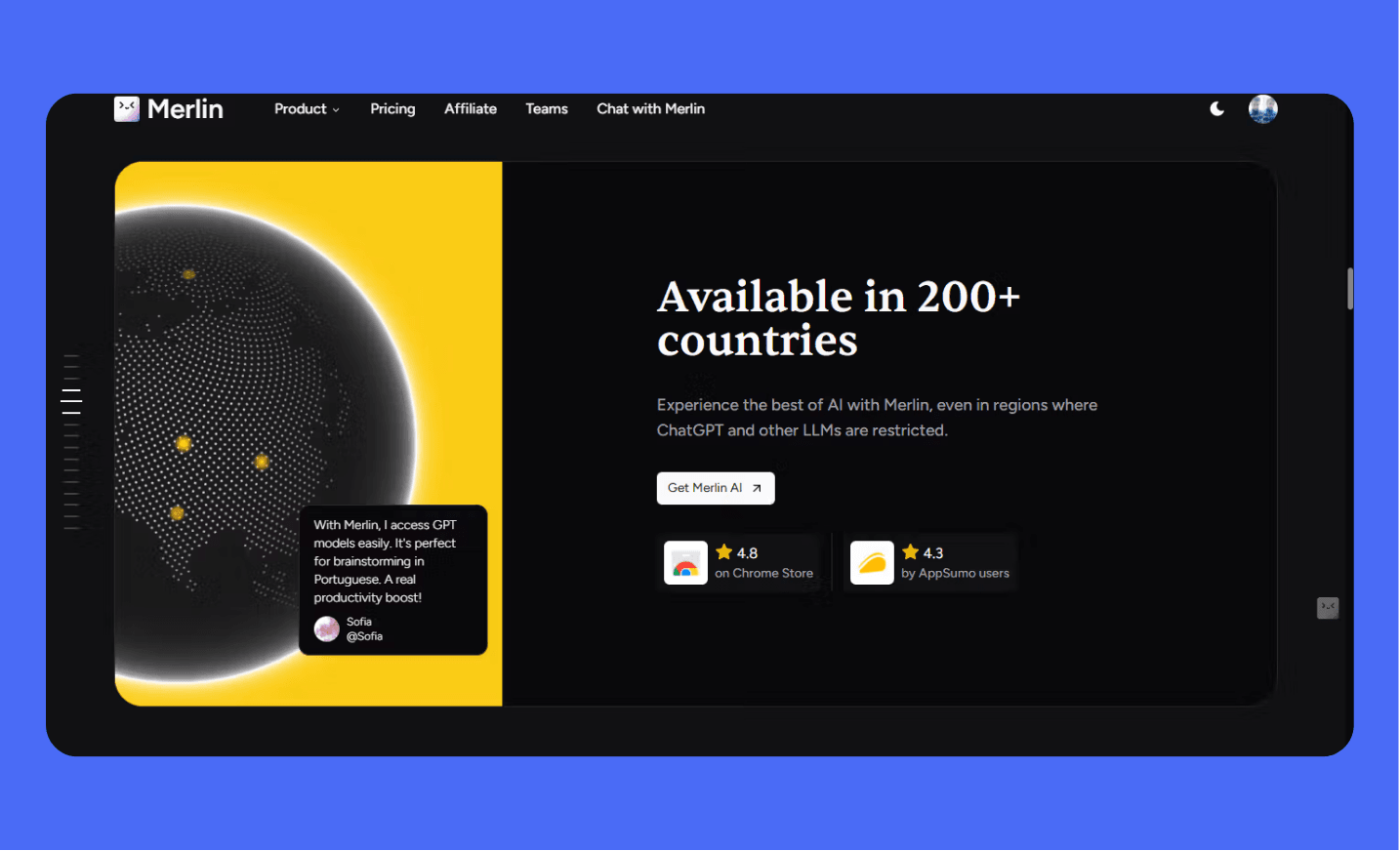
Historical marketing claim, rather than confirmation that every feature is available in every country.
Is Merlin AI safe for work
Do not use ratings as a security audit. Check the current extension permissions, privacy policy, and your organization's requirements.
Merlin's policy describes user content, account information, and browser activity data. It also describes processing by service providers and security measures.
The policy does not guarantee absolute security. A compliance claim is not enough to establish that a particular workflow fits your requirements.
Avoid uploading confidential client material or credentials unless the service and your organization permit that use.
The earlier article called security both enterprise-grade and not enterprise-grade. I have replaced that contradiction with specific checks.
For business use, check retention, deletion, third-party processing, access controls, and available contractual terms. Confirm these against current documentation.
My earlier observations and limits of this review
In earlier use, I sometimes needed to refresh a page before webpage chat worked as expected.
Long conversations sometimes felt slower, and the expanded interface could feel busy. These are usage observations, rather than measured benchmarks.
They may differ with the current version, device, page, model, and account. A screenshot records an interface, not a guaranteed result.
I have kept the workflow examples while removing claims of universal superiority, guaranteed output quality, and quantified benefits without evidence.
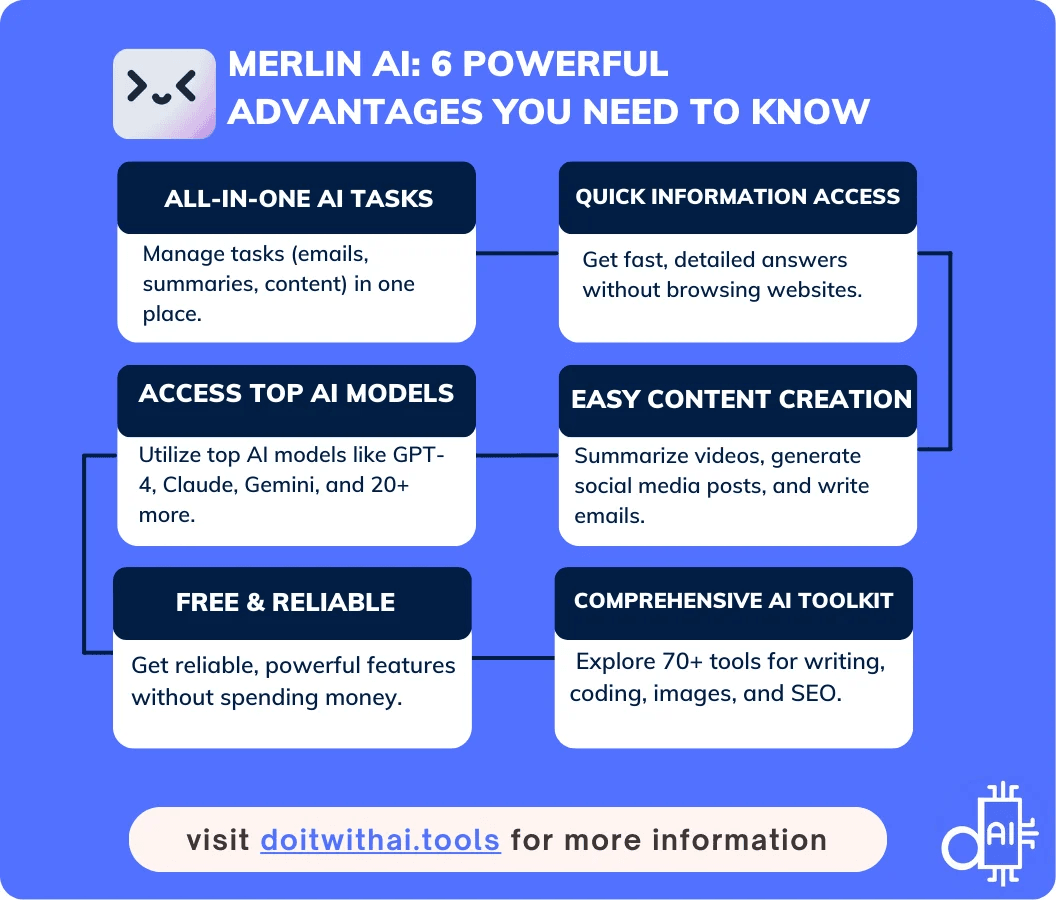
Feature illustration. It does not establish measured productivity or accuracy gains.
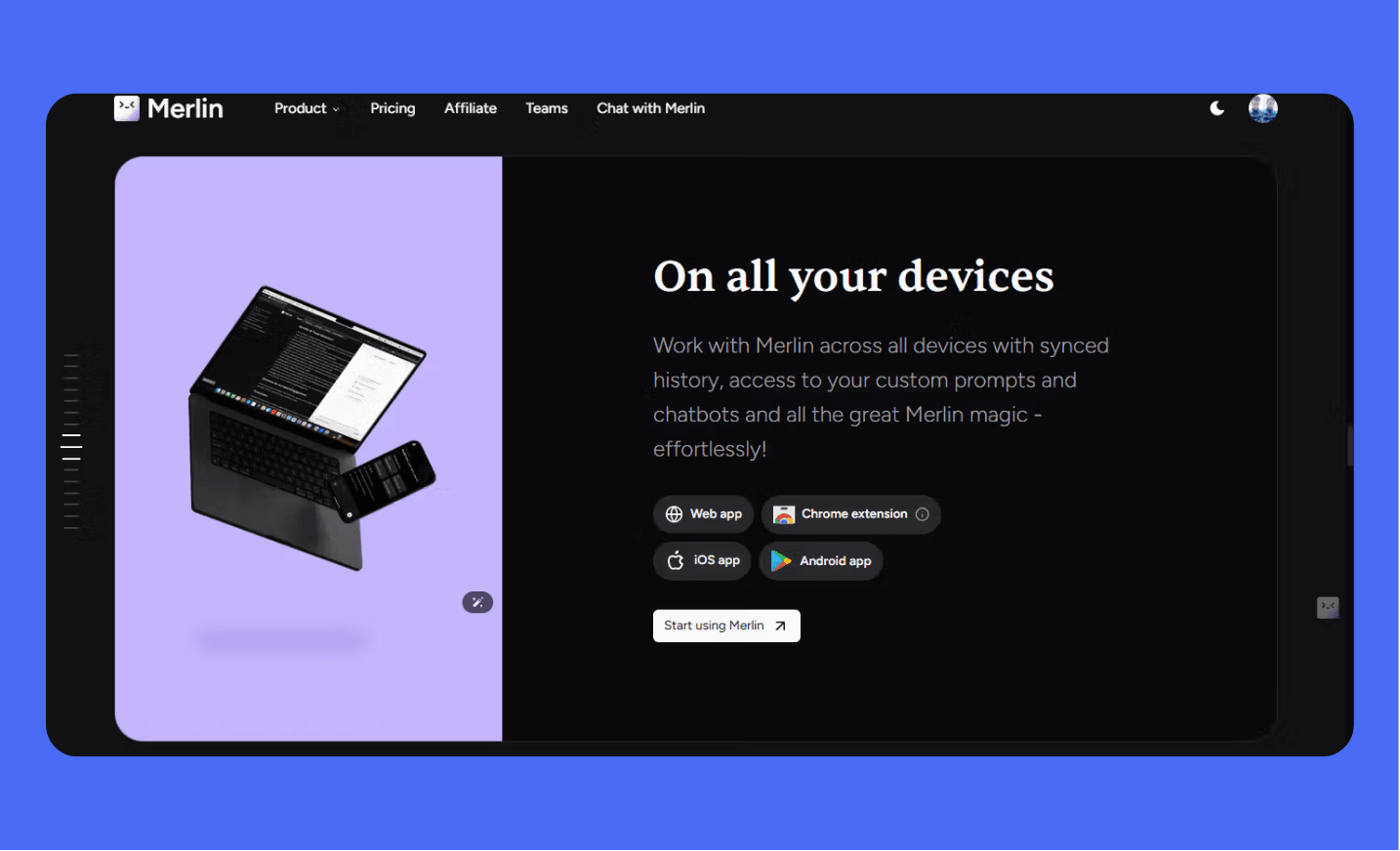
Interface availability does not establish identical features across platforms.
Troubleshooting Merlin not working on a webpage
First check whether the extension is enabled and you are signed in. Confirm the relevant site permission and whether usage allowance remains.
Reload the page and reopen the page-chat context. Avoid assuming a response covers content that did not load.
For an inaccessible or incomplete article, provide a permitted excerpt and ask a focused question. Do not use summarization to bypass access restrictions.
If a shortcut fails, use the toolbar icon and check shortcut conflicts. Buttons and labels can vary with the extension version.
If a video summary fails, check available transcript content and try a focused passage. If it still fails, report the issue through official support.
When reporting a problem, include the version, page type, error, and steps taken. Remove private content from screenshots and logs.
Installation, mobile access, and removal
Use the official extension listing and verify the publisher. Review permissions, install the extension, and pin it to the browser toolbar.
Create or sign in to your Merlin account. Then test one simple task before relying on it for a larger workflow.
The documented shortcut is Ctrl+M on Windows or Cmd+M on Mac. Check your browser's shortcut settings if it conflicts.
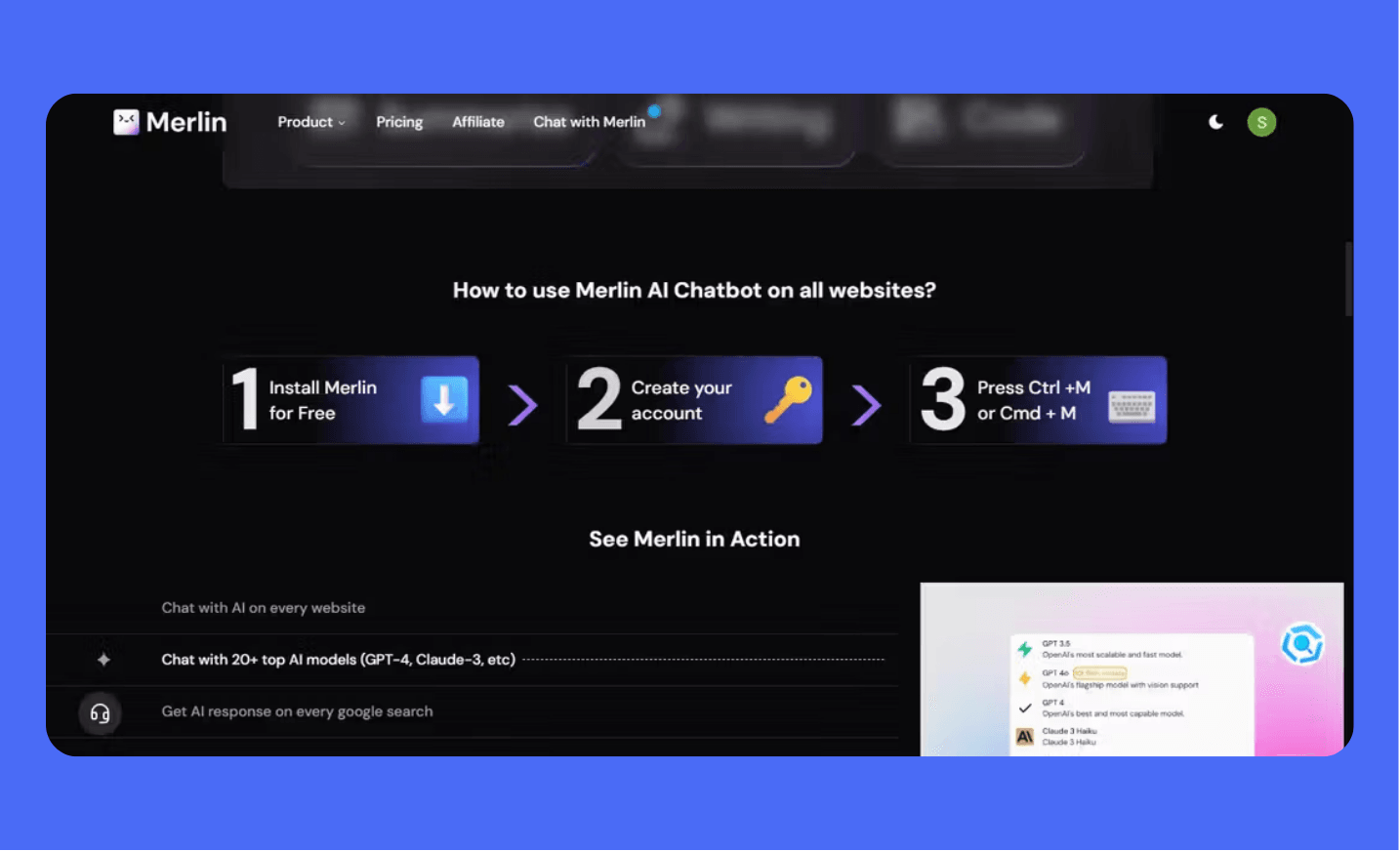
Follow the current installer and account instructions.
For mobile access, use app-store links from Merlin's official mobile page. A mobile application is different from running a desktop Chrome extension.
Official Merlin mobile-app links
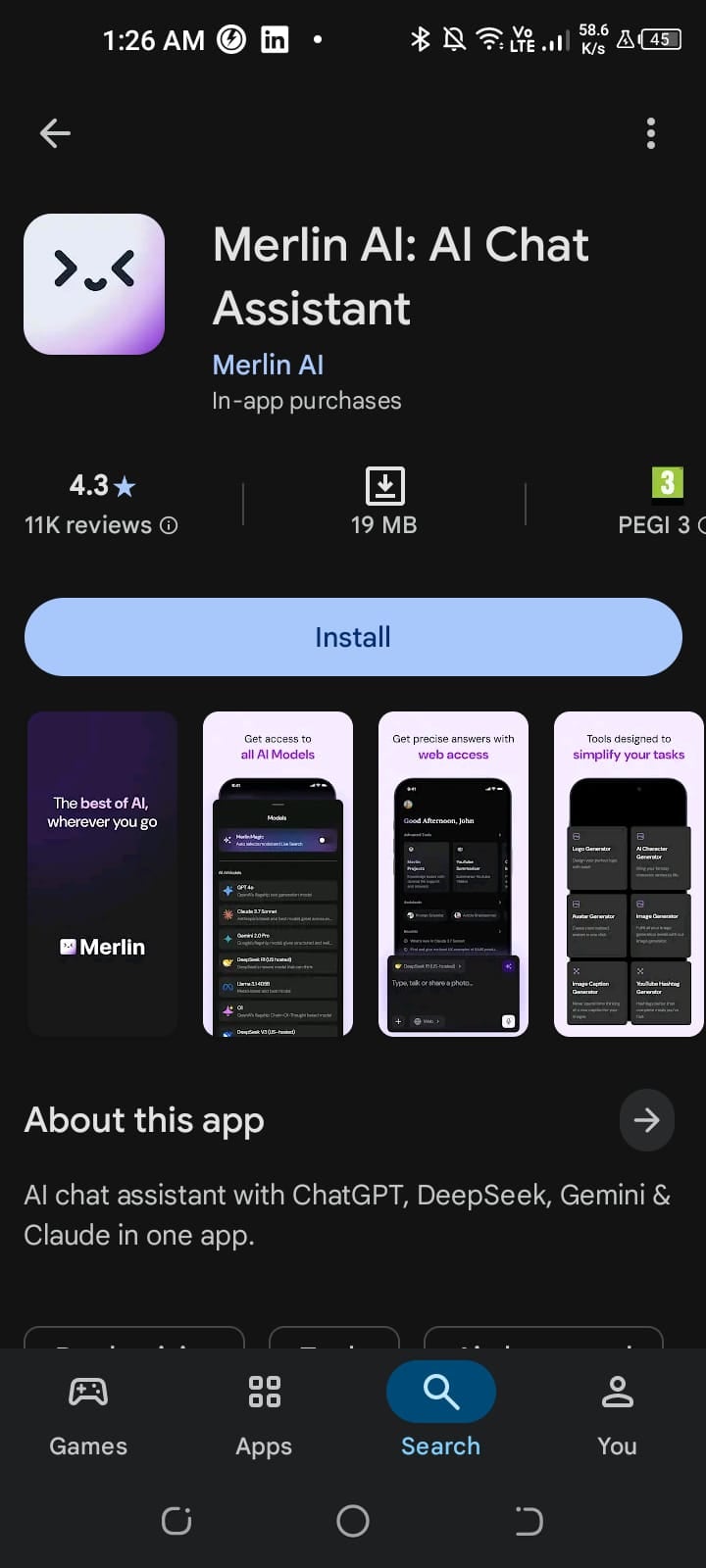
Check current mobile functions separately from the desktop extension.
To remove the extension, open your browser's extension manager and select Remove. Removing it does not necessarily cancel a paid subscription.
Review account billing separately and confirm cancellation or renewal settings. Use official support if the billing process is unclear.
Who should try Merlin and when to choose another workflow
Creators and marketers may find its page-based assistance convenient. Researchers can use summaries for orientation while still checking original sources.
Developers can try focused explanations and debugging suggestions. Production code still requires review and testing.
If you need strict data controls, advanced automation, or extensive project context, verify those requirements before committing to a plan.
A dedicated tool may fit a specialized task better. Compare the actual functions, cost, and reviewed output instead of counting features.

Potential use cases, rather than proof of results for every profession.
Final verdict
Merlin is worth considering when browser context and access to several model providers simplify your actual work.
Its value depends on successful page access, useful output, plan limits, and the time you spend checking responses.
Try a few real tasks, record the trade-offs, and choose the service that fits them. No assistant removes the need for editorial judgment.
https://www.youtube.com/watch?v=6ncQ7PlB2n8&t=28s
Sources and review scope
Current extension listing and publisher details
Merlin plan details and fair-use conditions
Official sources describe product features and policies. The prompts and decision checklists are editorial examples, rather than verified performance results.